RescaleImageAll toolsResize a photo
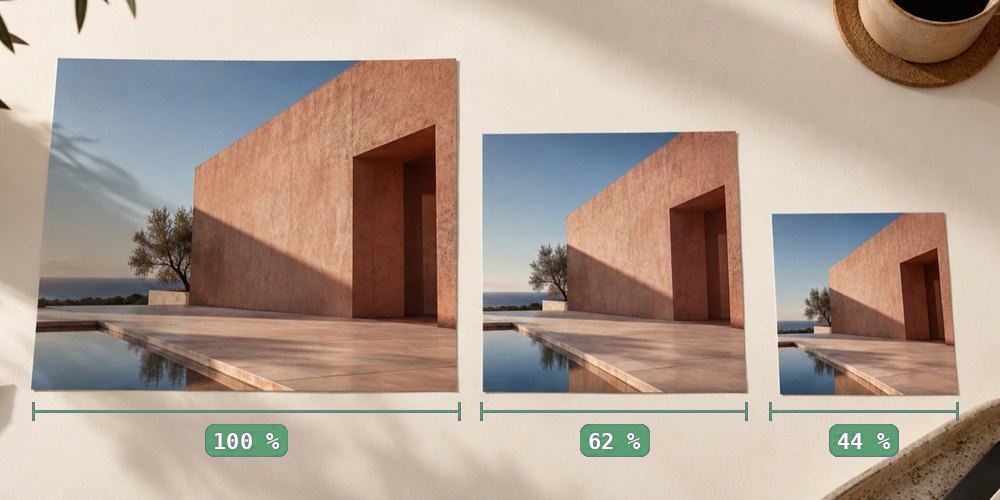
One photograph printed at three sizes, 100, 62 and 44 percent, laid on a desk with a ruler under each
One photo, three sizes: the pixels decide how big it can go.

Colour profiles and rescaling

A colour profile tells a viewer what the numbers in a photo mean. Resizing makes new numbers — and whether their meaning travels with them depends on the path the file takes.

What a profile is for

A pixel stores three numbers. Whether (255, 0, 0) is a modest red or the deepest red a screen can show depends on the colour space those numbers were written in. An embedded ICC profile names that space. Phones increasingly shoot in Display P3, cameras offer Adobe RGB, and most of the web assumes sRGB. A viewer that honours the profile shows the colours as captured; one that drops it shows the same numbers as sRGB, which for a P3 photo means duller.

A browser’s image encoder writes a new file from pixels. It does not know or carry the source’s profile, and by default it converts the pixels to sRGB when it decodes them. That is where profiles usually get lost on the web.

The three paths through this site

What survives each path
PathProfileExifPicture data
Change only the DPIkept, untouchedkept, untouchedcopied byte for byte
Resample → JPEG or PNG (RGB source)read in its own space, spliced backon request; GPS off by defaultrecomputed
Resample → WebPnot written; converted to sRGBnot carriedrecomputed
CMYK JPEG, any resamplecannot travel with RGB pixels; sRGBon request (JPEG)converted, with a warning first

The second row is the careful one. When the profile is kept, the source is decoded without colour conversion, so the resampler filters the numbers in the profile’s own space, and the profile that describes them goes back into the file. If the browser refuses to decode that way, or the file was rotated or capped on opening, the export says it converted to sRGB instead rather than splicing a profile that no longer matches.

Choosing a path

If the pixel count is already right and only the print size is wrong, do not resample at all — change the DPI and every byte of colour information stays where it was. If the size must change, write JPEG or PNG and leave “Keep the colour profile” on. For a press job from a CMYK file, resampling in a browser is the wrong tool: the panel warns before it converts, and offers the tag-only path when the target can be reached without new pixels.

Questions people bring to this

Why did my resized photo come out duller or more saturated?

Usually because the original carried a colour profile (often Display P3 from a phone or Adobe RGB from a camera) and the resized copy did not. Without the profile, a viewer assumes sRGB and shows the same numbers as different colours.

Does this site keep the profile?

For JPEG and PNG output from an RGB source, yes, by default: the pixels are read in the profile's own colour space, resampled, and the profile is spliced back into the new file. For WebP output it is not written; for CMYK sources it cannot travel with RGB pixels. The export panel lists exactly what is kept and dropped.

What about camera data and GPS?

Exif can be carried into a resized JPEG on request, with orientation reset and the old thumbnail removed. The GPS location is removed by default and kept only if you switch it on.

Is anything lost when I only change the DPI?

No. Print-size-only mode edits the resolution fields inside the original file and copies everything else byte for byte: profile, Exif, orientation and the compressed picture itself.

Take it back to the panel