RescaleImageAll toolsResize a photo
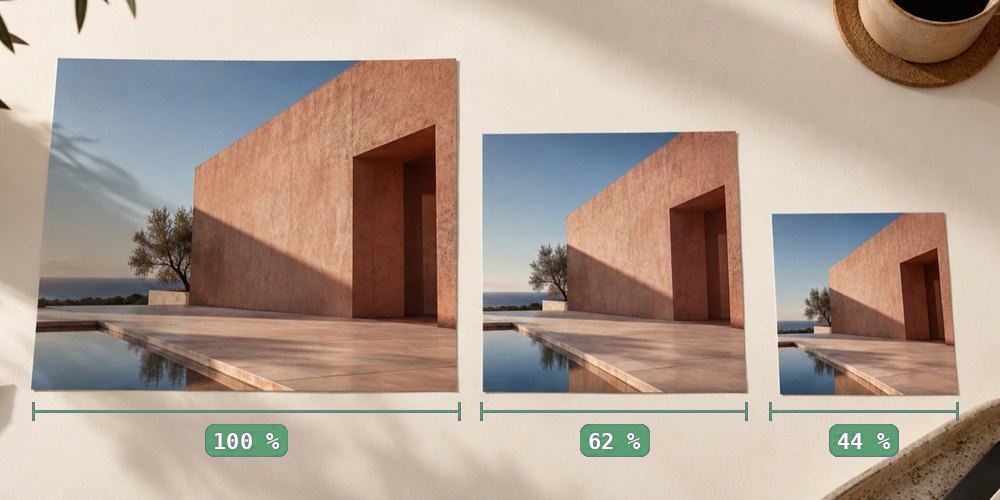
One photograph printed at three sizes, 100, 62 and 44 percent, laid on a desk with a ruler under each
One photo, three sizes: the pixels decide how big it can go.

Why two apps show different print sizes

One photo, two programs, two print sizes. The pixels did not change between them — the file simply records its resolution in two places, and the programs read different ones.

Two headers, one picture

A JPEG file is a sequence of segments before the compressed picture begins. Two of them can carry a resolution. The JFIF header (APP0) has a density field: a unit — inches, centimetres, or none — and a horizontal and vertical value. The Exif block (APP1), written by cameras and phones, has its own XResolution, YResolution and ResolutionUnit tags in its first directory.

Nothing in the JPEG standard says which wins when they differ. Some applications read Exif first, some read JFIF, some read whichever they find, and some ignore both and assume 72 or 96. So a file that says 72 in Exif and 300 in JFIF is two different documents to two different programs — even though every pixel in it is the same.

What the disagreement costs

A 2400 × 3000 photo with Exif 72 DPI and JFIF 300 DPI
ReadsBelievesLays it out at
The Exif block72 DPI84.67 × 105.83 cm
The JFIF header300 DPI20.32 × 25.40 cm
Neither (assumes 96)96 DPI63.50 × 79.38 cm

A print shop’s preflight that reads one field reports “72 DPI, rejected” while your desktop viewer, reading the other, shows 300. Both are reporting the file correctly. That is why arguing about which reading is right goes nowhere: the fix is to make the file say one thing.

Seeing it, and fixing it

Check image DPI reads both fields separately and says whether they agree. To make them agree, change the DPI: this site writes the JFIF density and the Exif resolution tags to the same value in one pass, patching the Exif tags in place when they exist and appending a fresh first directory when they do not, and copies the compressed picture byte for byte. Open the result in the checker again and both rows read the same number.

A PNG has a single pHYs chunk, and a TIFF a single set of tags in its first directory, so both are written once. A WebP has no dedicated field; its Exif chunk can hold one, and the panel offers to write it, labelled for what it is — something few applications read.

Questions people bring to this

Which of the two numbers is the real one?

Neither is more real: both are labels, and the pixels are the same whichever an application reads. What matters is that they agree, so that every program lays the picture out at the same size.

How did my file end up with two different numbers?

Usually a camera or phone writes the Exif block (often 72 DPI) and a later program rewrites only the JFIF header, or the other way round. Each step was correct by its own lights; nobody checked the other field.

Does a PNG have the same problem?

Rarely. A PNG has one standard place for its resolution, the pHYs chunk, so there is only one number to read. The disagreement is mostly a JPEG problem, with TIFF and WebP Exif as smaller cases.

Will re-saving the photo fix it?

Not reliably — many programs carry the Exif block forward untouched. Writing the DPI here sets both fields to the same value and copies the picture data byte for byte.

Take it back to the panel